Introduction
A good lead magnet idea can lose momentum fast when writing, design, and formatting turn it into a week-long project.
A lead magnet generator helps shorten that process. Depending on the tool, you can turn a rough idea into a checklist, guide, workbook, quiz, or polished PDF in minutes without starting from a blank page or building every element by hand.
This article will cover what lead magnet generators can create, which tools suit different needs, and how to turn generated content into an original resource that feels valuable rather than generic.
Key Takeaways
- A lead magnet generator can turn a rough idea into a drafted, designed, or interactive asset in minutes.
- Different tools solve different bottlenecks, from creating PDFs and repurposing content to building quizzes or controlling the visual design.
- The first generated draft still needs a stronger promise, original insight, specific guidance, and careful fact-checking.
- Start with the audience and problem before choosing a template, format, or platform.
- A polished design cannot make a vague, shallow, or irrelevant offer worth downloading.
- Choose the generator that fits your workflow, then test the signup, delivery, links, and final resource before promoting it.
Affiliate Disclosure: Some of the links on this site are affiliate links. That means if you click and make a purchase, I may earn a small commission at no extra cost to you.
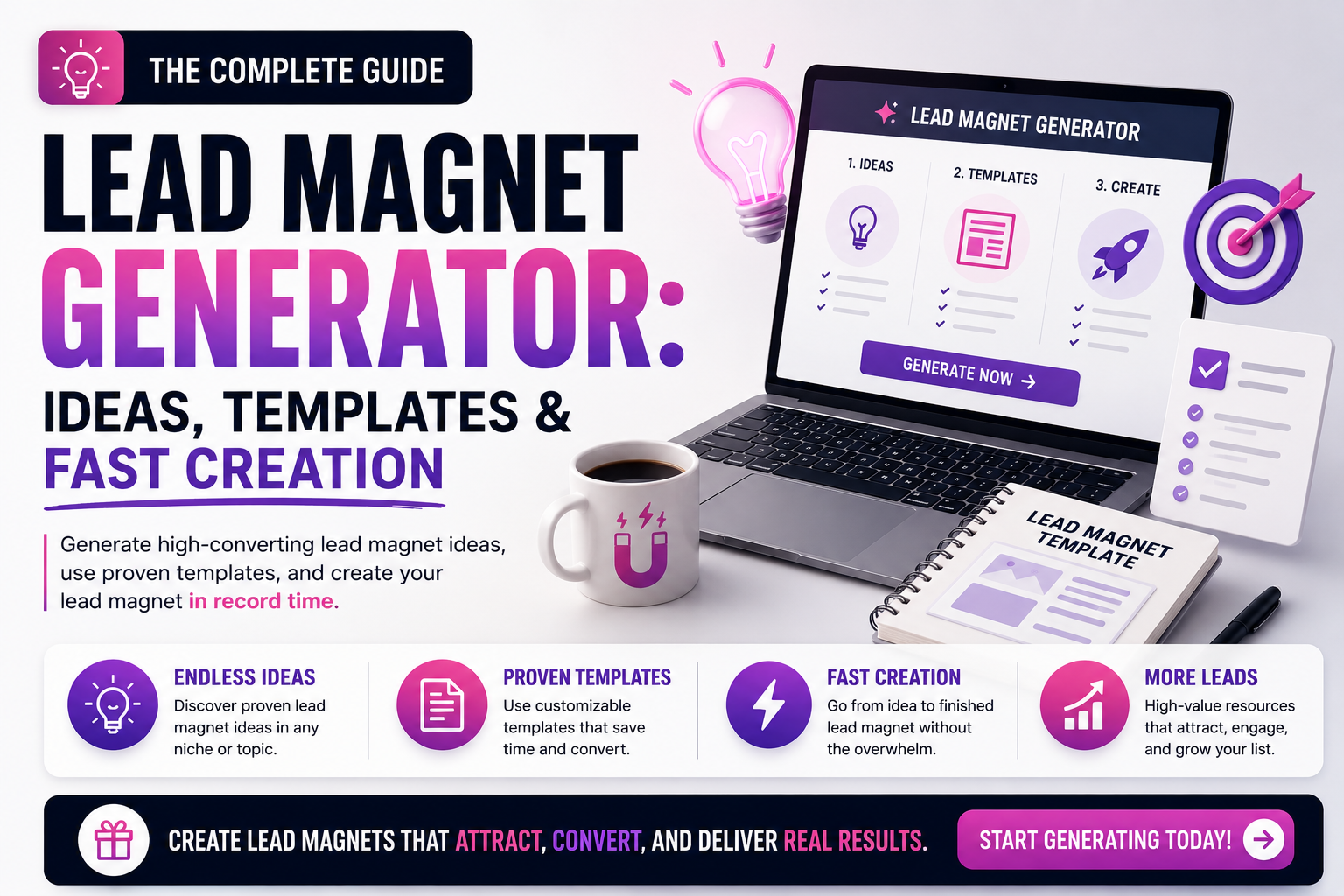
What Is a Lead Magnet Generator?
A lead magnet generator is a tool that helps you create part or all of a lead magnet faster.
Depending on the platform, it may generate ideas, outline the content, write a first draft, design the pages, build an interactive quiz, or turn your material into a downloadable file.
Some tools focus mainly on writing. Others are built for design, document creation, or interactive experiences. Not every generator handles the entire process from idea to delivery, so the right choice depends on what you need help creating.
The tool can save time on production, but you still decide who the lead magnet is for, what problem it solves, which claims are accurate, and what makes the final resource worth downloading.
Best Lead Magnet Generators for Different Needs
The best lead magnet generator depends on what you want the tool to handle.
Some platforms can take you from a rough idea to a designed draft. Others are better at repurposing existing content, building interactive experiences, or giving you greater control over the final design.
The recommendations below are based on each platform’s current features and intended use. The “best for” labels describe where each tool appears strongest, not which one will automatically produce the most leads.
Beacon
Best Overall Lead Magnet BuilderBeacon is designed specifically for creating and delivering lead magnets.
You can use it to build:
- eBooks
- Checklists
- Workbooks
- Resource guides
- Content upgrades
- Gated resource libraries
The platform also includes lead-capture forms, so you can create the resource and manage how visitors access it without assembling as many separate tools.
That specialization is Beacon’s main advantage. Unlike a general design platform, its templates and features are built around downloadable resources and email-list growth.
Piktochart AI
Best for Creating a Visual First Draft QuicklyPiktochart AI can turn a topic, audience, campaign goal, or uploaded material into an editable lead magnet draft.
The generator can help create checklists, guides, one-page resources, comparison charts, and other visual documents without requiring you to write and arrange every section from scratch.
Its main appeal is the combination of AI-assisted content structure and visual presentation. Instead of receiving plain text that still needs to be designed elsewhere, you begin with an organized draft you can edit inside the platform.
Designrr
Best for Repurposing Existing ContentDesignrr is a strong option when you already have useful material and want to turn it into a lead magnet.
It can import or repurpose content from sources such as:
- Blog posts and webpages
- Word documents
- Google Docs
- PDFs
- Podcasts
- Videos
- YouTube content
You can then format that material as an eBook, report, PDF, flipbook, or another publishable resource.
This makes Designrr especially appealing to businesses with a substantial content library. A useful article series, webinar, podcast episode, or transcript can become the foundation of a new lead magnet without being rewritten from the beginning.
involve.me
Best for Interactive Lead Magnetsinvolve.me is built for lead magnets that respond to the visitor’s answers rather than delivering the same resource to everyone.
You can use it to create:
- Quizzes
- Assessments
- Calculators
- Product recommendation tools
- Multi-step forms
- Personalized result pages
The platform can also score and segment leads, apply conditional logic, and send personalized email sequences based on answers, scores, or outcomes.
That makes it a stronger choice when personalization is central to the value of the offer. A financial advisor might create a readiness assessment, while an e-commerce brand could build a product recommendation quiz.
Canva
Best for Visual CustomizationCanva is not built exclusively for lead magnets, but it gives you extensive control over how a downloadable resource looks.
Its template library and drag-and-drop editor can help you design:
- eBooks
- Worksheets
- Checklists
- Planners
- Reports
- Infographics
- Resource guides
Canva also includes brand tools, stock media, and AI-assisted writing and design features. That combination makes it useful when you already understand the content but want a more polished and distinctive presentation.
The large template selection is both an advantage and a warning. Publishing a template with only minor changes can make the resource look familiar or generic. Adjust the structure, typography, imagery, colors, and visual hierarchy so the final design supports your content and brand.
How to Choose a Lead Magnet Generator That Fits Your Business
Start by identifying the part of the creation process that slows you down most.
If you struggle to develop the content, look for strong outlining and AI-writing support. When formatting and presentation take too much time, prioritize document templates, brand controls, and flexible design tools. Interactive offers require features such as scoring, conditional logic, personalized results, and lead segmentation.
Also consider:
- The types of lead magnets you plan to create
- How much design control you need
- Whether you already have content to repurpose
- How often you expect to publish
- Which export formats are available
- Whether the tool connects to your email platform
- The limits of the free or entry-level plan
- How easily you can update the resource later
A tool with more features is not automatically a better fit. The right generator should remove a meaningful production barrier without adding unnecessary cost, complexity, or dependence on features you will rarely use.
How to Turn a Generated Draft Into a Lead Magnet People Want
A generator can give you a fast starting point, but the first draft is rarely the finished product.
Templates and AI suggestions can organize ideas, shape pages, and remove hours of formatting. Your judgment is what turns that output into a resource that feels relevant, original, and worth exchanging an email address for.
Strengthen the Promise
Before polishing the design, make sure the lead magnet promises something your audience actually wants.
Generated titles often sound broad:
The second title tells readers what they will receive, who it is for, and how they can use it.
Review the promise by asking:
- Is the intended audience clear?
- Does the resource solve a recognizable problem?
- Can readers understand the outcome quickly?
- Does the content genuinely deliver that outcome?
A polished cover cannot rescue a vague idea. Get the promise right before spending time on colors, fonts, and page layouts.
Add What the Tool Cannot Know
A generator can organize common information. It cannot automatically reproduce your experience, client conversations, original process, or informed judgment.
That is where much of the resource’s distinctive value comes from.
Add elements such as:
- Lessons from your own work
- Original examples
- Practical recommendations
- Mistakes you have observed
- A framework you use
- Questions clients regularly ask
- Context about when advice may not apply
an AI-generated checklist may tell readers to “define their target audience.” Your contribution could show them the three questions you use to make that audience more specific.
The tool provides material. Your experience gives readers a reason to trust and remember it.
Replace Generic Copy With Specific Guidance
Generated drafts often contain advice that sounds correct but offers little direction.
Phrases such as these should receive extra attention:
- Create valuable content
- Know your audience
- Be consistent
- Use compelling headlines
- Track your results
None of these statements is necessarily wrong. They are simply too broad to help someone act.
Replace vague instructions with concrete guidance.
Look for repeated ideas, inflated introductions, obvious filler, and statements that could appear in almost any resource. Cut what does not move the reader forward.
You should also verify every factual claim the generator introduces. AI tools can produce incorrect statistics, outdated product information, invented sources, or advice that lacks important context.
When a claim needs evidence, find a reputable source or rewrite the point as practical guidance that does not depend on unsupported data.
Review the Final Experience
Read the lead magnet as a subscriber, not as its creator.
Check whether:
- The opening quickly explains what the resource will help them do
- Each section follows a logical order
- Instructions are easy to understand
- The design supports the content
- Fonts and colors remain consistent
- Examples are accurate and relevant
- Links work
- The file displays properly on mobile devices
- The ending gives readers a practical next step
- Delivery happens immediately after signup
Remove anything that exists only because the template included it.
A ten-page resource does not become more valuable when four pages repeat the same lesson. A short lead magnet can feel substantial when every section helps the reader make progress.
The generator gives you speed. Your expertise, editing, and attention to the reader’s experience give the final resource a reason to be downloaded.

What to Avoid When Using a Lead Magnet Generator
A lead magnet generator can remove hours of production work. It can also help you create the wrong asset faster.
Most problems do not come from the tool itself. They come from unclear direction, unnecessary features, or a resource that looks finished before the strategy is ready.
Starting With the Tool Instead of the Audience
Opening a generator and browsing templates can feel productive, but it often puts the format ahead of the problem.
A polished workbook is not helpful when the audience needs a one-page checklist. An interactive quiz may be excessive when readers already know what they need and simply want a practical next step.
Before choosing a tool or template, define:
- Who the resource is for
- What problem they want to solve
- What they should be able to do afterward
- How the topic connects to your business
The audience should shape the lead magnet. The generator should support that decision, not make it for you.
Giving the Generator Vague Direction
A broad prompt usually produces broad content.
That instruction leaves too much undecided. The generator has to guess the audience, problem, format, depth, and desired outcome.
Clear direction does not guarantee a finished resource, but it gives the tool a much stronger starting point.
Include the audience, purpose, format, tone, and intended result whenever the generator allows it.
Mistaking a Polished Design for a Strong Offer
Professional design can make a lead magnet easier to read and more enjoyable to use. It cannot make an irrelevant topic desirable.
A resource may look impressive while still offering:
- A vague promise
- Recycled advice
- Shallow explanations
- Little connection to the audience
- No practical result
Evaluate the offer before judging the cover.
Would the intended reader want this resource if it appeared as a plain document? If the answer is no, more visual polish will not solve the central problem.
Design should strengthen the content, not distract from its weaknesses.
Choosing Features You Do Not Need
Advanced features can sound appealing when comparing tools.
You may see automated scoring, conditional logic, custom domains, AI credits, analytics, team workspaces, and CRM integrations. Those features are valuable when they support the resource you intend to create.
They can also add cost and complexity without improving the result.
A simple PDF builder may be enough for a checklist or guide. An interactive platform makes more sense when the answers genuinely need to change the recommendation or result.
Choose the tool around your regular workflow rather than the longest feature list.
Disconnecting the Lead Magnet From the Business
A generator can help you create almost any topic. That does not mean every topic will support your business.
A broad resource may attract attention while bringing in people who have little interest in your expertise or offer.
a website strategist could generate a general productivity planner. The planner might be attractive, but it does not naturally introduce the problems the strategist helps clients solve.
A homepage planning worksheet would create a clearer connection.
The lead magnet does not need to promote the paid offer directly. It should address a problem that makes the business’s next step feel relevant.
Forgetting to Test the Full Experience
Finishing the asset is only one part of the process.
Before promoting it, test what happens from the visitor’s first click to the final download.
Check:
- The signup form
- The confirmation message
- The delivery email
- The download or access link
- The file on desktop and mobile
- Any interactive results
- The next step inside the resource
Ask someone else to complete the process when possible. They may notice confusing instructions, broken links, or missing information that you overlooked.
A generator can create the asset in minutes. A brief test helps ensure those saved minutes do not turn into a frustrating experience for every subscriber.

Conclusion
A lead magnet generator can help you move from idea to finished asset much faster.
It can handle much of the outlining, drafting, formatting, and design work that once slowed the process down. That speed gives you more room to test ideas, improve existing resources, and publish without getting stuck in production.
The tool still needs direction. A strong lead magnet begins with a clear audience, a desirable promise, useful content, and a natural connection to your business. Editing, fact-checking, and original insight are what keep the final resource from feeling generic.
Choose the generator that removes your biggest bottleneck, not the one with the longest feature list. Then use the time it saves to improve the parts your audience will actually notice.
A generator can help you create the asset in minutes. Your judgment is what makes it worth downloading.
Frequently Asked Questions About Lead Magnet Generators
What can a lead magnet generator create?
Depending on the tool, you can create checklists, guides, workbooks, eBooks, quizzes, assessments, calculators, templates, and other downloadable or interactive resources.
Can a lead magnet generator write the whole resource for me?
It can create a strong first draft, but the content still needs editing, fact-checking, original examples, and your own perspective before publishing.
How quickly can I create a lead magnet?
A simple draft or designed asset can often be created in minutes. Research, customization, review, and testing may take longer depending on the topic and format.
Do I need design experience?
Usually not. Templates and drag-and-drop editors handle much of the layout, but you should still check readability, spacing, branding, and how the asset looks on different devices.
Are free lead magnet generators worth using?
Free plans can work well for testing ideas or creating occasional resources. They may limit exports, AI credits, branding options, integrations, or the number of projects you can create.
How do I keep generated content from sounding generic?
Add first-hand experience, original examples, specific instructions, and language that reflects your audience and brand. Treat the generated copy as a starting point, not the finished resource.
Pingback: AI Lead Magnets: How AI Tools Create High-Converting Lead Magnets in Minutes - Lead Magnets Creator